Roblox
Game Design
Your child already plays Roblox every day. Now they can learn to build the games other kids play. Real coding, real game design, real publishing.
See What We Do
Watch our students in action -- from first-time coders to published game creators.
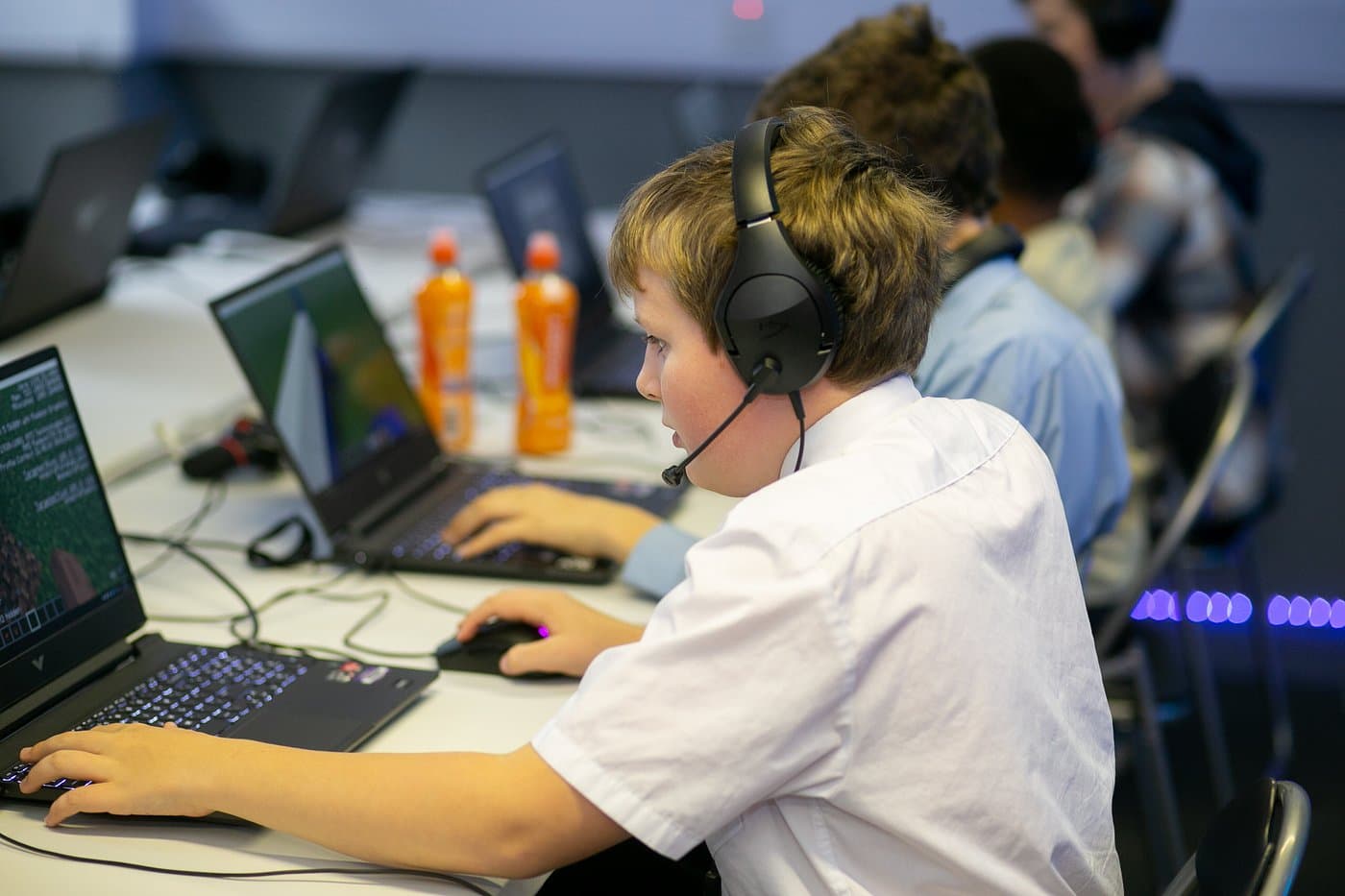
What They'll Learn
From dragging blocks around to writing real Lua code and publishing playable games.
Lua Scripting
Learn the programming language that powers every Roblox game. Variables, loops, functions, events -- the foundations of real coding.
Game Design
Understand what makes a game fun. Level design, player feedback, difficulty curves, and game loops -- the theory behind every hit game.
3D World Building
Build environments in Roblox Studio using parts, terrain tools, and the asset library. Create entire worlds from scratch.
UI & Menus
Design in-game interfaces: scoreboards, shops, inventory systems, and menus. Make your game feel polished and professional.
Multiplayer Systems
Build games that multiple players can enjoy together. Leaderboards, teams, chat systems, and competitive features.
Publishing & Monetisation
Learn how to publish your game to the Roblox platform, get players, and understand the basics of game monetisation.
What They'll Build
Not worksheets -- real games that other people can play.
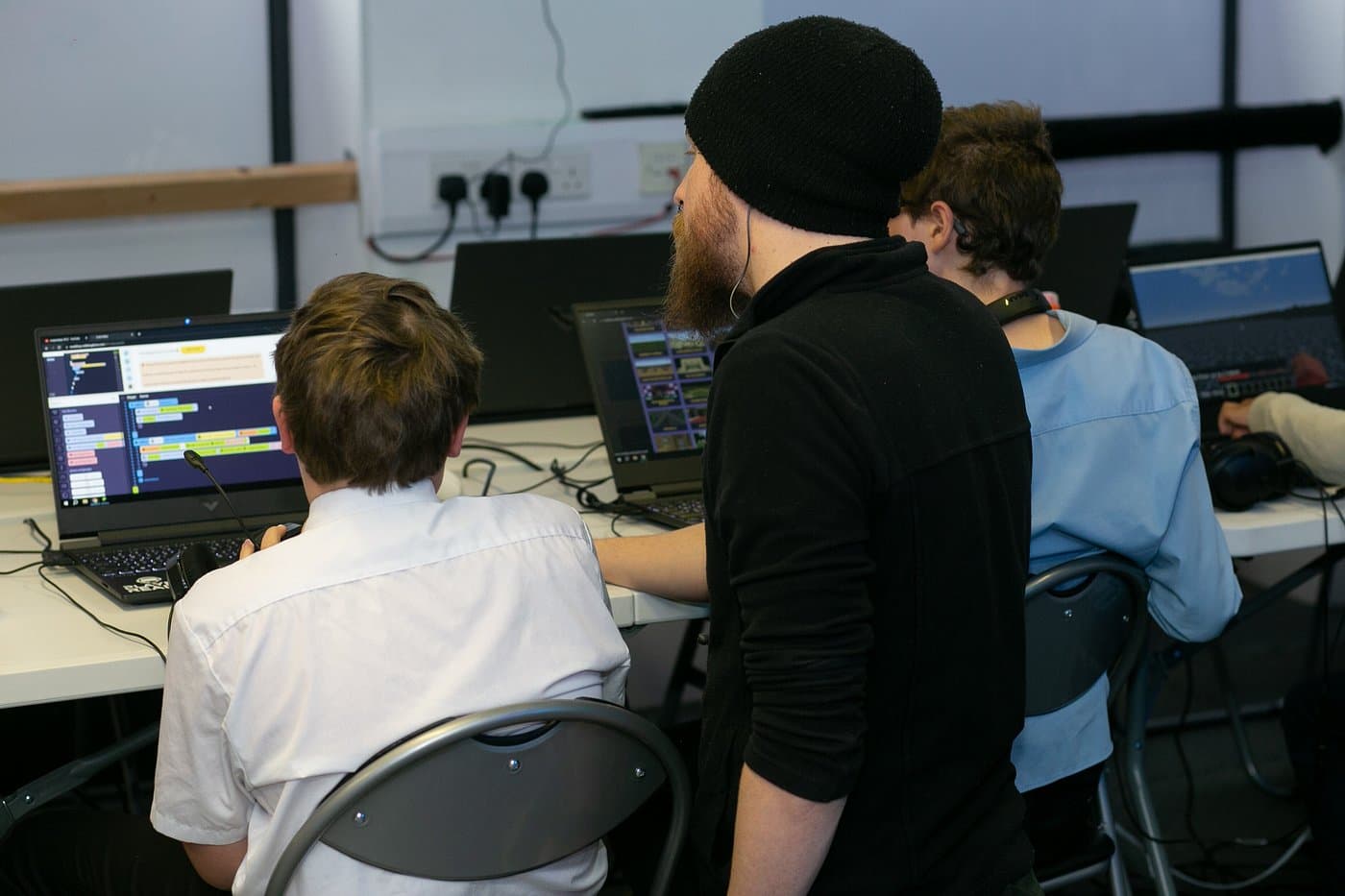
Obby Games
Their first project -- a complete obstacle course game with kill bricks, fake platforms, spinning traps, and checkpoints.
Tycoon Games
Build business simulation games with in-game economies, upgrades, and progression systems.
Combat & Adventure
Design combat mechanics, enemy AI, health systems, and quest-driven adventure games.
UI Design & Menus
Create polished in-game interfaces: shops, inventory screens, scoreboards, and settings menus.
Game Monetisation
Understand the Robux economy, game passes, and developer products -- real business skills.
Publishing to Roblox
With parental consent, publish finished games to the Roblox platform for real players to enjoy.
Progression Levels
A structured pathway from first-timer to published game creator.
Studio Explorer
- +Navigate Roblox Studio's interface
- +Build with parts and terrain
- +Simple scripting with guided templates
- +Publish your first playable game
Game Builder
- +Lua scripting fundamentals
- +Player interactions and events
- +Custom game mechanics
- +Multiplayer features and leaderboards
Studio Pro
- +Complex Lua programming patterns
- +Data persistence and player saves
- +Monetisation and game passes
- +Performance optimisation and testing
Why Roblox?
It's not just a game -- it's a platform used by millions of creators worldwide.
70M+ Daily Players
Your child already knows Roblox. Learning to build games in a world they understand makes coding feel natural, not alien.
Real Programming Language
Lua is a proper language used in professional game development, embedded systems, and industry tools. The skills transfer everywhere.
Free to Continue at Home
Roblox Studio is completely free. Students can keep building at home between sessions -- no expensive software needed.
Instant Audience
Publish a game and real players can find it immediately. Nothing motivates a young coder like seeing other people play their creation.
Career Pathway
Top Roblox developers earn real money from their games. Even if your child doesn't go pro, these skills apply to any tech career.
Skills That Transfer
The game design, coding logic, and 3D thinking learned in Roblox Studio transfer directly to Unity, Unreal Engine, and professional development tools.
Is Roblox Safe?
We know parents and schools worry about Roblox. Here's exactly how we handle it.
Roblox Studio, Not Public Roblox
At Player Ready, students work in Roblox Studio -- the professional development environment, not the public Roblox platform. Roblox Studio is a local development tool where students build games offline. They do not interact with random online players, browse public games, or access chat rooms.
DBS-checked mentors supervise every session -- 1:1 or small groups of max 3:1
Private servers only -- when testing games, students use private instances with no public interaction
Online sessions use Parsec screen-sharing so the mentor can see and control everything at all times
Network-level blocking -- our venue network blocks access to public Roblox servers during sessions
Digital citizenship -- we teach responsible online behaviour alongside coding skills
Professional dev tool -- Roblox Studio teaches real Lua programming, not gaming
Think of it like using Photoshop to make your own pictures, instead of browsing the internet for random ones. Our focus is entirely on creativity, coding, and design within a safe, age-appropriate environment.
Course Details
AQA accredited curriculum with multiple delivery options.
Course 1: Build Your First Obby Game (AQA Accredited)▼
Ages 8-14 | Beginner | 6 Lessons
In this hands-on course, young learners build a complete Obby (obstacle course game) using Roblox Studio. They learn Roblox Studio navigation, object manipulation, game logic and traps (kill bricks, fake platforms, spinning traps), basic scripting with BlockLua, interactive gameplay (ladders, slides, disappearing platforms, conveyor belts), physics and animation with tweening, and customisation with skyboxes and environments.
AQA accredited | Centre Number: 84612
How is the Roblox course delivered?▼
In-Venue Clubs: Children work in small groups on their own game creations, building up week by week. Sessions are Ofsted registered, fully insured, and follow our safeguarding policy. Staff are DBS-checked and experienced in SEND inclusion.
Online: 1:1 and small group sessions delivered by our Online Team via secure platforms. Mentors supervise everything on-screen, guiding children step-by-step. Parents are welcome to observe.
Alternative Provision: Our AP version supports engagement for hard-to-reach learners, development of sequencing, logic and creativity, and coding progression from block-based scripting to Lua. Sessions are recorded, attendance tracked, and progress documented -- suitable for schools, virtual schools, and EHCP-linked education.
What makes this different from just playing Roblox?▼
Playing Roblox is consumption. Our course is creation. Students use the same professional development tools that real Roblox developers use to build the games millions of people play.
They learn structured programming (Lua scripting), 3D spatial reasoning, game design theory, project management, and creative problem-solving. These are transferable skills that apply to Unity, Unreal Engine, web development, and any future tech career.
Our curriculum is AQA accredited through the Unit Award Scheme (Centre 84612), so students receive formal recognition for their work. This is not a babysitting service with screens -- it is a structured, progression-based coding education that happens to use a platform your child already loves.
Who is this course for?▼
Children aged 7-16 who are ready to move beyond just playing games. Ideal for:
- Kids who already play Roblox and want to learn how games are made
- Students ready to progress from Minecraft modding or Scratch
- Young people interested in game design, creative building, and coding logic
- Neurodiverse learners who thrive with visual and interactive formats
- EHCP-linked learners via our Alternative Provision pathway
From Player to Creator
First session free. Your child could publish their first Roblox game within weeks.