Online AP,
Anywhere in the UK
1:1 mentoring via video call using Minecraft, Roblox, and coding platforms. No travel, no uniform, no classroom. Just a dedicated mentor and your child, learning through what they love.
How Online Sessions Work
Technology makes it feel like your mentor is right beside you.
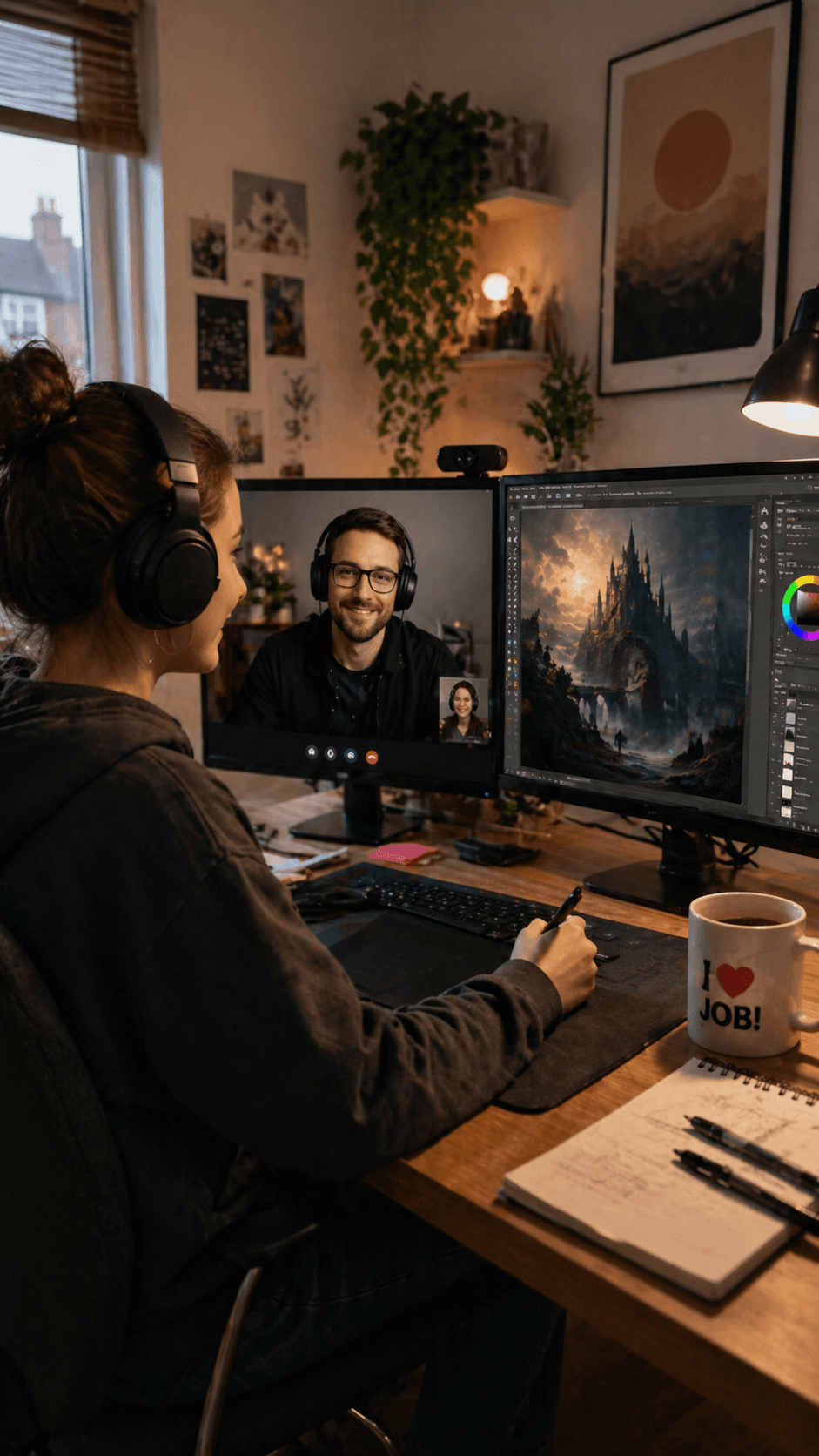
Video Call Sessions
Your child connects with their mentor via video call. Screen sharing lets the mentor see exactly what they're working on and guide them in real time.
Shared Gaming Worlds
Mentor and student join the same Minecraft server or Roblox game. They build, create, and problem-solve together — just like being in the same room.
Flexible Scheduling
Sessions are scheduled around your child's energy levels and routine. Morning, afternoon, or early evening slots available. Typically 1-2 hours per session.
Same Mentor, Every Time
Consistency matters. Your child works with the same mentor every session, building a real relationship and trust over time.
What We Use
Familiar platforms your child already knows and loves.
Minecraft Education
Building, problem-solving, and maths through the world's most popular game. Projects range from simple structures to complex redstone engineering.
Roblox Studio
Game design and coding using Lua scripting. Students create their own games while learning programming logic and creative design.
Coding Platforms
Scratch, Python, JavaScript and more, depending on the student's level and interests. Real programming skills through project-based learning.
Digital Art & Design
Graphic design, pixel art, 3D modelling, and video editing. Creative expression alongside technical skill development.
What You'll Need
The setup is simple. Most families already have everything.
- A PC, laptop, or Chromebook (not a tablet or phone)
- A webcam and microphone (built-in is fine)
- A stable internet connection
- Minecraft Education or Java Edition (we can help with setup)
- A quiet space to work from — it doesn't need to be perfect
Don't have the right equipment? Talk to us — we may be able to help with hardware or software setup.
Who We Support Online
Our online provision is designed for young people who need flexible, relationship-driven mentoring.
Children and Young People Aged 7-25▼
We work with learners who have an EHCP or EOTAS arrangement, are out of school, awaiting placement, or on a reduced timetable, have experienced school trauma, anxiety, or exclusion, or need short-term engagement or long-term support.
Sessions are tailored to their needs — some start with co-regulation and Minecraft, others dive straight into game development, coding, or media production.
SEND, SEMH, ADHD, PDA & ASD Learners▼
Our online mentors are experienced in working with autistic, ADHD, PDA, and neurodivergent learners. They use trauma-informed practice and can support children with complex SEMH profiles.
Each learner is matched with a dedicated mentor who fits their interests, personality, and needs. Our team includes neurodiverse role models, youth workers, artists, coders, and game developers — many of whom have personal experience of the challenges our students face.
Mentor-First Approach▼
Player Ready's online provision is relationship-driven mentoring, not pre-recorded lessons. Every session is live and interactive, delivered by the same mentor every time. Relationships come before results — we build trust first, and learning follows naturally.
For some learners, the initial sessions focus on confidence and connection through games like Minecraft. For others, it's an accelerated route to technical skills in Unity, Unreal Engine, 3D modelling, or coding.
Technical Setup for Schools & IT Teams
If your student is connecting from a school or managed network, your IT team may need to allow specific access.
How Online Sessions Work Technically▼
We use a platform called Parsec for Teams which allows the learner to interact with specialist software (Minecraft modding tools, Unity, Unreal Engine, Blender) hosted on our secure servers via a remote desktop-style environment. The learner also joins a Microsoft Teams video call with their mentor.
Parsec can be accessed via a Chrome browser, but for improved performance we recommend downloading the free Parsec application from parsec.app/downloads.
Network Access Requirements for Schools▼
Some school networks may block the connection used by Parsec. Please allow outbound access to the following:
Domains: *.parsec.app, api.parsec.app, boot.prod.parsecgaming.com
Ports: TCP 443 (session setup and authentication), UDP 49000-50000 (secure video, audio, and input streaming)
No static IPs, whitelists, or installations are required. If your IT team would like further technical details or a test connection before sessions begin, we are happy to assist.
Fallback: ZeroTier Secure Tunnel▼
If your network blocks outbound UDP traffic or strict NAT/firewall rules prevent Parsec from streaming properly, we can use ZeroTier — a secure virtual LAN tunnel that allows the learner to connect directly to our mentor system. This bypasses most firewall issues without requiring port changes or additional IT configuration.
Parsec still requires TCP 443 access to api.parsec.app for authentication. ZeroTier is commonly used in education and enterprise settings and requires no administrative rights on the learner's device.
Local Authority Approved for Online Provision
We are approved online AP providers for over 40 local authorities across England.
Our online provision is approved by local authorities including Cornwall, Somerset, Wiltshire, Swindon, Portsmouth, Southampton, West Berkshire, Reading, Buckinghamshire, Oxfordshire, East Sussex, Gloucestershire, Hampshire, North Northamptonshire, Brighton & Hove, Hertfordshire, Devon, Bristol, North Somerset, South Gloucestershire, and 20+ North West authorities.
Even if your area is not listed, schools can usually fund directly, or we can help fast-track approval with your local authority.
We can also work with self-funding families and schools in any area of the UK — including Surrey, London, Birmingham, Suffolk, Bedfordshire, Liverpool, Essex, Manchester, Barnsley, and Cambridgeshire.
Online AP — Frequently Asked Questions
Why are online sessions 1:1 only?▼
For safeguarding reasons, we do not run online group sessions for students under 16. Online 1:1 ensures the mentor can give full attention to your child and maintain proper safeguarding oversight. If your child would benefit from group interaction, our in-venue sessions offer small group options with a maximum 3:1 ratio.
What if my child doesn't have the right equipment?▼
Talk to us. Because our students connect to specialist software on our servers via Parsec, they don't need a high-spec machine. A basic PC, laptop, or Chromebook with a webcam, microphone, and stable internet connection is sufficient. We can help with software setup and advise on the best configuration.
Can online sessions run during or outside school hours?▼
Yes. Our sessions can run during school hours (9:00-15:00) or after school, with flexibility around reduced timetables and therapeutic needs. We schedule around your child's energy levels and routine — morning, afternoon, or early evening slots are available.
Do you offer in-person sessions too?▼
Yes. We offer face-to-face AP at our venues in Truro (Cornwall), Plymouth (Devon), Exeter (Devon), Taunton (Somerset), and Portsmouth (Hampshire). Hybrid delivery combining online and in-person sessions is also available for learners transitioning between settings.
See Online Mentoring in Action
Watch how our online sessions work and the impact they have.
Please note: Online sessions are 1:1 only. We do not run online group sessions for students under 16. If your child would benefit from group interaction, our in-venue sessions offer small group options.
Get Started Online
No matter where you are in the UK, we can match your child with a mentor and start sessions quickly.
Email alternativeprovision@player-ready.co.uk or call 0117 463 3150