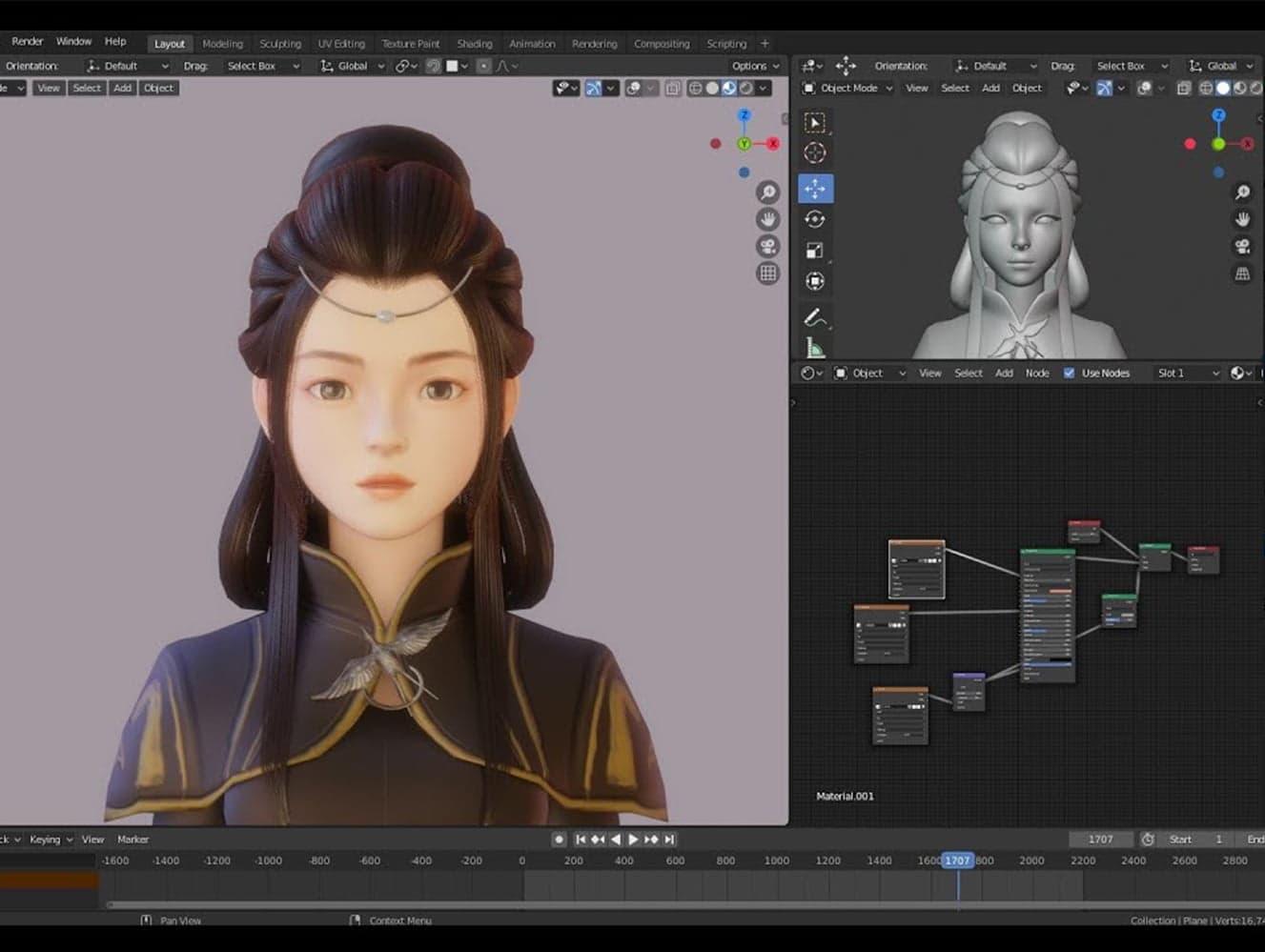
Blender 3D
Modelling Course
Design characters, build worlds, animate stories, and create game assets in Blender -- the free, industry-standard 3D tool used by studios worldwide.
What They'll Create
From first cube to full character. Every session produces something visual and tangible.
Character Design
Model, texture, and rig your own original characters. From blocky Minecraft-style to detailed realistic figures.
Environment Art
Build 3D landscapes, buildings, interiors, and props. Learn composition, lighting, and atmosphere.
Animation
Bring your models to life with keyframe animation, armatures, and walk cycles. Create short animated scenes.
Game Asset Creation
Model low-poly and high-poly assets ready for game engines. UV unwrapping, texture painting, and export workflows.
Texturing & Materials
Paint textures, create PBR materials, and use procedural shading. Make surfaces look like metal, wood, fabric, or anything you imagine.
Sculpting
Digital sculpting for organic shapes: creatures, faces, terrain. Like virtual clay with infinite undo.
Progression Levels
A creative pathway from basic shapes to portfolio-ready 3D art.
3D Explorer
- +Blender interface and navigation
- +Basic modelling with primitives
- +Simple materials and colours
- +Create and render a complete scene
3D Creator
- +Character modelling and rigging
- +UV unwrapping and texture painting
- +Keyframe animation fundamentals
- +Export assets for Unity or Unreal
3D Artist
- +Sculpting and retopology
- +Procedural materials with shader nodes
- +Complex animation and cinematics
- +Portfolio-ready projects and showreels
Why Blender?
Free, powerful, and used by professionals everywhere.
Completely Free
Blender is 100% free and open-source. Your child can install it at home and keep practising between sessions at no cost.
Industry Standard
Used by game studios, animation houses, and VFX companies. The skills transfer directly to professional work.
Visual Results
Unlike coding, 3D modelling produces instant visual output. Great for creative kids who think in pictures, not text.
Pairs with Game Dev
Models made in Blender export straight into Unity and Unreal. Combine this course with game dev for a complete skill set.
10-Session Course Breakdown
Each session builds on the last, empowering students to create, texture, sculpt, and animate their own 3D models. AQA Unit Award Scheme accredited (Centre 84612).
View all 10 sessions▼
- Blender Basics: UI tour, basic shapes, Minecraft-themed starter task
- Modelling Tools: Extrude, bevel, loop cuts -- make a Fortnite-style pickaxe
- Texturing: Unwrapping and colouring, Minecraft skin-style texturing
- Environment Design: Modular modelling and trim sheets for creating scenes
- Sculpting: Introduction to digital sculpting -- ideal for monsters and characters
- Character Design: Silhouettes and paper sketches for creative characters
- Character Blockout: 3D modelling of basic body/clothing forms, intro to topology
- Lighting & Posing: Presentation basics and visual storytelling
- Animation: Simple movement and keyframe animation
- Portfolio Showcase: Present, review, and save your final 3D model
Students also learn game-ready asset concepts: tri count, optimisation, and hero assets. Models export directly into Unity and Unreal Engine for use in game dev courses.
Delivery options▼
In-Person (Clubs / AP / Post-16): Delivered weekly or intensively during holidays in small group format at all venues: Truro, Exeter, Taunton, Portsmouth, and Plymouth. Ofsted registered and eligible for Tax-Free Childcare.
Online Provision: Delivered via our Online Team (Moos Army), available nationwide. 1:1 or small group format. Perfect for home-educated learners or flexible AP access.
AQA Unit Award Scheme accredited across up to 4 modules | Centre Number: 84612
Create Something Amazing
First session free. Your child will model their first 3D object before they leave.